
SendOwl vs. Gumroad: Which Fee Structure Wins in 2026? (My Experience)

Choosing the right platform to sell your digital products can make a huge difference in your income, especially when you’re just starting or trying to scale. Two of the most popular options, SendOwl and Gumroad, both help creators sell online, but they work in very different ways when it comes to fees, features, and profitability. That’s why many creators find themselves stuck deciding which one is actually better for their goals.
In this guide, I will break down SendOwl vs Gumroad in an honest way while sharing my experiences with both platforms. You’ll learn how their fee structures work, how much profit I made and which platform is the smarter choice depending on where you are in your journey.
By the end, you’ll know exactly which fee structure is best based on your needs, whether you’re just starting out or aiming to build a scalable digital business.
What is SendOwl?
SendOwl is an all-in-one digital checkout and delivery platform that helps creators securely sell their digital products with ease. It gives creators the opportunity to manage payments, access and delivery in one place without needing to build a full online store. It offers more strong features compared to Gumroad like secure file delivery, affiliate system, subscriptions, and content protection.
That said, SendOwl is not a marketplace meaning you must have an audience or enough followers to sell you digital products to. You can sell anything on SendOwl you can think of, from courses, ebooks, memberships, bundles to software, audios, presets and printables.
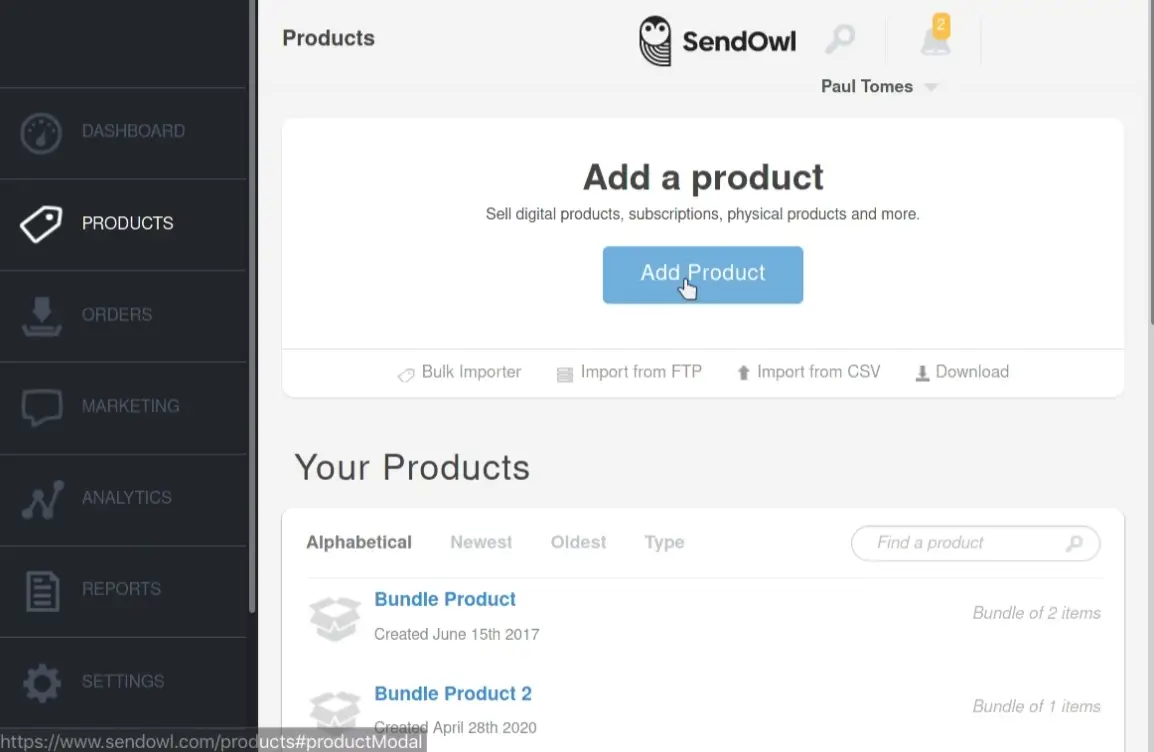
SendOwl Pricing & Fees
SendOwl is subscription-based meaning you have to subscribe to a monthly plan in order to use the platform. The free plan is no longer available after the latest pricing update.
SendOwl offers three main pricing tiers, and while they look simple at first, each plan comes with limits that directly impact how to start selling .
The Starter plan costs $39 per month and is designed for beginners who are just testing their first digital products. It allows up to around 5,000 orders per year and roughly $10,000 in annual revenue. You’re also limited to about 20 products and 10GB of storage.
As your sales grow, you’ll need to move to the Standard plan, which costs $87 per month. This plan increases your limits significantly, allowing up to 25,000 orders per year and around $36,000 in annual revenue. You also get the ability to list up to 100 products and access 50GB of storage. This tier is more suitable for creators who already have consistent sales and are starting to treat their digital products as a real business rather than just an experiment.
For higher-volume sellers, SendOwl offers the Pro plan at $159 per month. This plan supports up to 50,000 orders per year and around $100,000 in annual revenue, with unlimited products and storage.
However, there’s an important detail that many people overlook: revenue caps. SendOwl doesn’t just charge a monthly fee, it also limits how much you can earn on each plan. As your sales increase, you don’t have the option to stay on a lower tier.
Once you exceed your plan’s limits, you’ll be automatically upgraded to the next tier. This means that your costs will continue to rise as your business grows, making it important to factor this into your long-term profitability.
Pros of SendOwl
From my experience, one of the biggest advantages of SendOwl is how seriously it takes file protection. I can secure my products with features like PDF stamping and time-limited download links, which gives me peace of mind when selling digital content.
Another feature I appreciate is the drip content system which allows releasing content like courses over time. On top of that, it integrates smoothly with tools I already use like WordPress and Elementor.
Cons of SendOwl
The idea that SendOwl owners removed their free plan and switched to a premium model still annoys me. I think paying $39 per month or more is a huge risk for beginners, which is something I don’t think they considered, or maybe they simply no longer want beginners on their platform.
Unlike Gumroad, you can’t join SendOwl marketplace without subscribing either which puts all the pressure on me to drive traffic. As someone who isn’t a big creator, I felt stressed trying to make more profit than the monthly cost I paid for one-time, especially I don’t have thousands of followers who would blindly buy anything I recommend. Spoiler alert: I failed terribly.
What is Gumroad?
Gumroad is a beginner-friendly platform that allows creators to sell digital products, memberships, and services without needing a website or technical setup. It’s designed to make selling online as simple as possible handling everything from payments and product delivery to customer management.
One of Gumroad’s biggest advantages is that it functions as both a selling tool and a marketplace. In addition to letting you create your own product pages and checkout links, Gumroad also has a built-in discovery system where users can browse and find products directly on the platform. This gives creators a chance to get organic traffic and sales without relying entirely on external marketing.
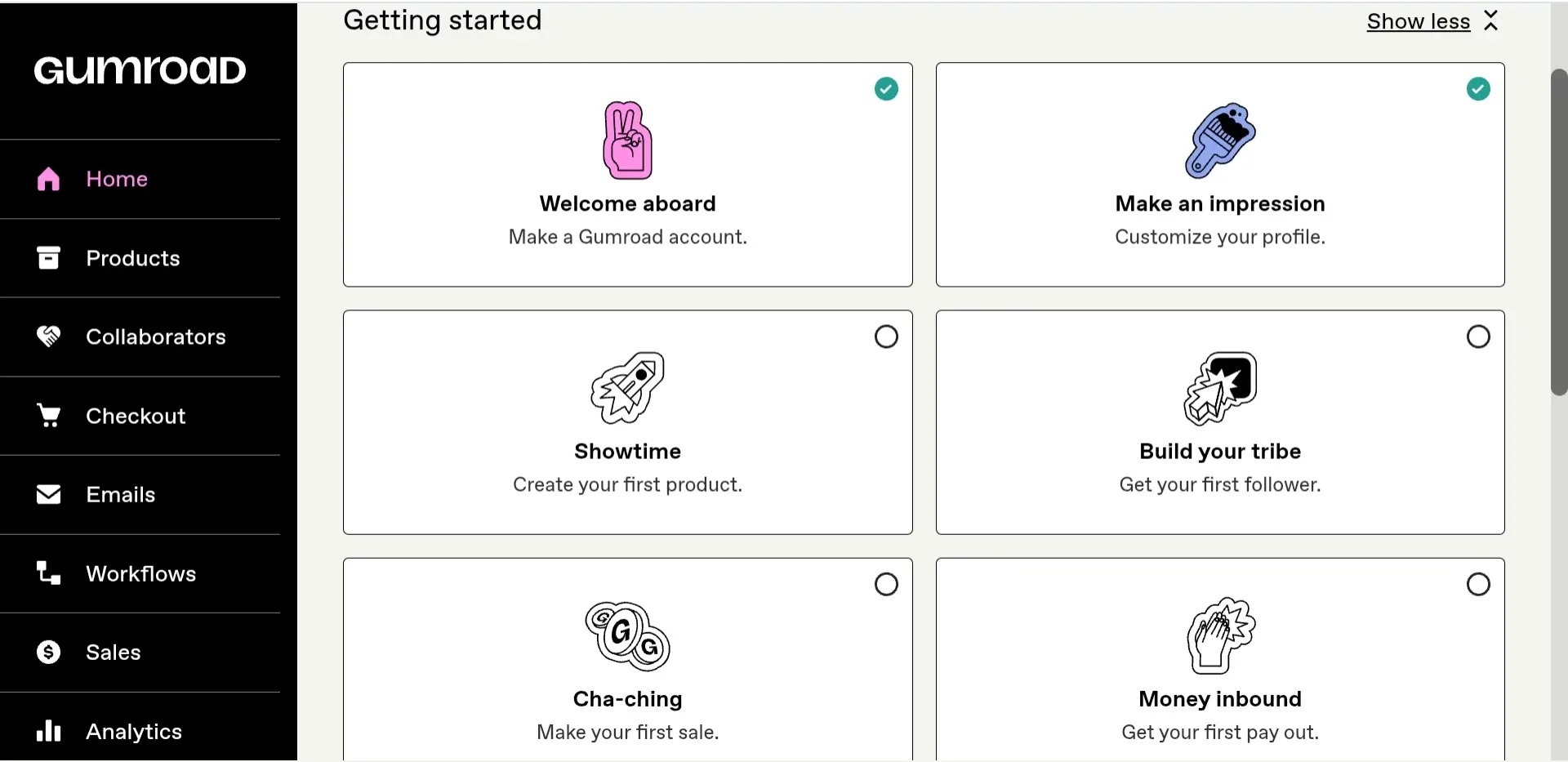
Gumroad Pricing & Fees
Luckily Gumroad is free for everyone to create an account and start selling immediately. There are no monthly subscription plans but they take 10% + $0.50 per transaction. On top of that, there are standard payment processing fees, usually around 2.9% + $0.30 per sale. When you combine both, you’re typically paying around 13–14% per sale, depending on your product price.
However, there’s a major difference when your sales come from Gumroad’s built-in marketplace (called Discover). In that case, the platform fee jumps to 30% per sale, which is significantly higher. This means you’re essentially paying more in exchange for visibility and organic traffic.
Another thing to keep in mind is that Gumroad’s fees are fixed, they don’t decrease as you grow. Whether you make $100 or $10,000, you’re still paying the same percentage on every sale. This is why Gumroad feels cheap at the beginning but can become expensive at scale.
On the positive side, Gumroad also acts as a merchant of record, which means it handles taxes (like VAT and sales tax) for you automatically. This removes a lot of complexity, especially if you’re selling internationally.
Pros of Gumroad
I switched back to Gumroad after SendOwl became entirely premium since I don’t have the large number of sales yet. I like how Gumroad is easy to get started with, mainly because there’s no upfront cost, so I didn’t feel pressured to make sales right away just to cover a monthly fee. What stood out to me is that it has a built-in marketplace, so there’s actually a chance to get some visibility without relying entirely on my own traffic.
The setup is very straightforward, I didn’t need any technical skills to upload a product and start selling, which made the whole process less overwhelming. I also found the email tools useful for staying in touch with buyers, even if they’re pretty basic.
Overall, I see Gumroad as a solid option when I want to test ideas quickly without overthinking or investing too much upfront.
Cons of Gumroad
To be honest, I think Gumroad is too simple, which makes it a double-edged sword. It’s easy to navigate for beginners and free to start, but it’s not ideal once your sales begin to grow. In fact, you’ll end up paying higher fees as you scale.
The lack of strong security features also discouraged me from using Gumroad (at least until SendOwl became premium). Since I sell ebooks, I need things like PDF stamping and time-limited downloads to protect my files from being stolen. Honestly, the dashboard isn’t that fancy either, and it gives you less control compared to SendOwl.
SendOwl vs Gumroad: Profitability Comparison
I stumbled upon a YouTuber claiming that ebooks can make you over $300 a month which urged me to try it myself. So, I started selling an ebook about Recruitment Toolkit.
I priced my ebook at $10 on Gumroad and started getting consistent sales. I was paying around 13–14% in fees per sale, so for every $10, I kept roughly $8.50. At first, it didn’t feel like a big deal, especially since I didn’t pay anything upfront. But as sales increased, I started to notice how much I was actually giving away.
For example, when I made $100 a month, I was losing around $13 in fees, which adds up quickly. So imagine making $1,000 a month, I would be losing around $130 in fees!
I tried selling on SendOwl, but the situation felt different. I paid for a Starter subscription plus transaction processing fees, but per sale, I kept much more, closer to $9 or more out of every $10. That means I was keeping significantly more compared to Gumroad in the long term. So at $100, I was keeping about $99.
However, I unsubscribed later because I wasn’t making as many sales on SendOwl to cover the subscription costs.
From my perspective, the difference becomes even clearer as I scale. In the beginning, Gumroad feels easier and less risky because you aren’t paying anything upfront. But once you start making consistent sales, SendOwl quickly becomes more profitable because your are not losing a percentage on every transaction.
Personally, I still sell on Gumroad today and I don’t plan on paying any monthly subscriptions since my ebooks sales dropped significantly while I don’t have a big audience yet.
Which Platform Should You Choose?
If you are a beginner who wants to experiment with online selling and don’t have a budget or audience, I recommend starting with Gumroad since it’s very easy to use and comes with almost no risk.
However, if you are a more established seller or a big influencer with a large number of monthly sales, you can go for SendOwl, as it offers more advanced features and saves you money the most. SendOwl is especially great for selling ebooks and documents, with tools like PDF stamping to help protect your content from being stolen.
Conclusion
In the end, the better platform depends on your goals and where you are in your journey. Gumroad is a great starting point with low barriers, making it ideal for beginners, while SendOwl can be more cost-efficient as you scale and start making consistent sales.
If you’re just testing the waters, Gumroad is the safer choice, but if you’re focused on maximizing profit and need advanced features, SendOwl may be worth the investment.